
Getting Started
Logging In
You can log in to your myResidentCare site using one of the following methods, depending on how your organization has set up access:
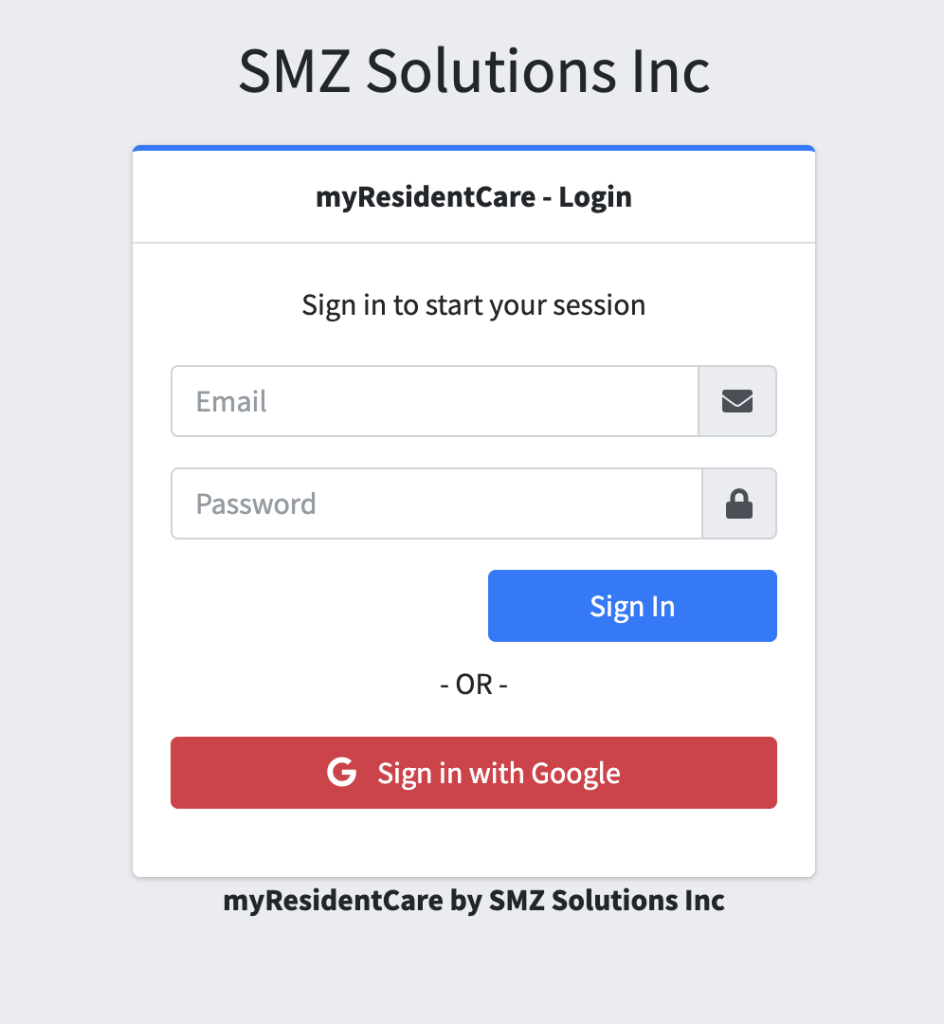
Option 1: Email and Password
Log in using the email address and password provided to you.(Previously, logins may have used a username—these have now been replaced by email-based login.)If you do not have this information, or your login is failing, please contact your administrator to reset your password.
Option 2: Sign in with Google
If your site is set up to allow Google login, you will also see a “Sign in with Google” button on the login page.
To use this option:
- Your staff email in myResidentCare must match the email you use with your Google account.
- Simply click the “Sign in with Google” button and follow the prompts.
If you’re unsure whether Google login is available for your site, check with your administrator.